
 By Taylor Bennett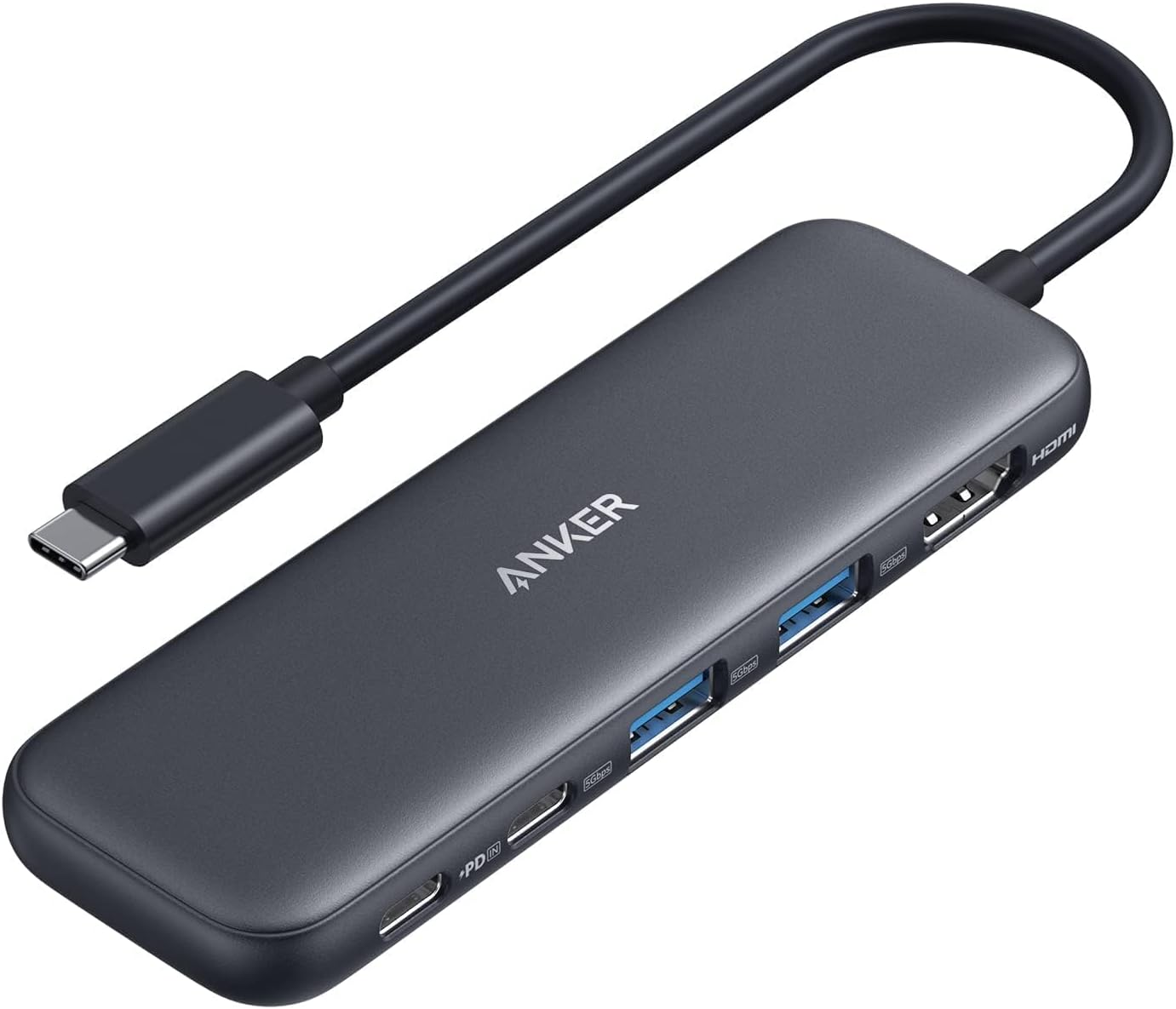


Anker USB C Hub Review: Is It the Right Dongle for You?
In today’s world of increasingly streamlined laptops, ports are often the first casualty. If you’re constantly juggling dongles or finding yourself short on connectivity, a USB-C hub can be a lifesaver. Today, we’re reviewing the Anker USB C Hub, a 5-in-1 adapter designed to expand your device’s capabilities with 4K HDMI output, USB-C and USB-A data ports, and powerful pass-through charging.
Detailed Review
The Anker USB C Hub aims to be a compact yet powerful solution for modern connectivity needs. With its 5-in-1 design, it offers a useful array of ports for everyday use. Let’s break down each feature:
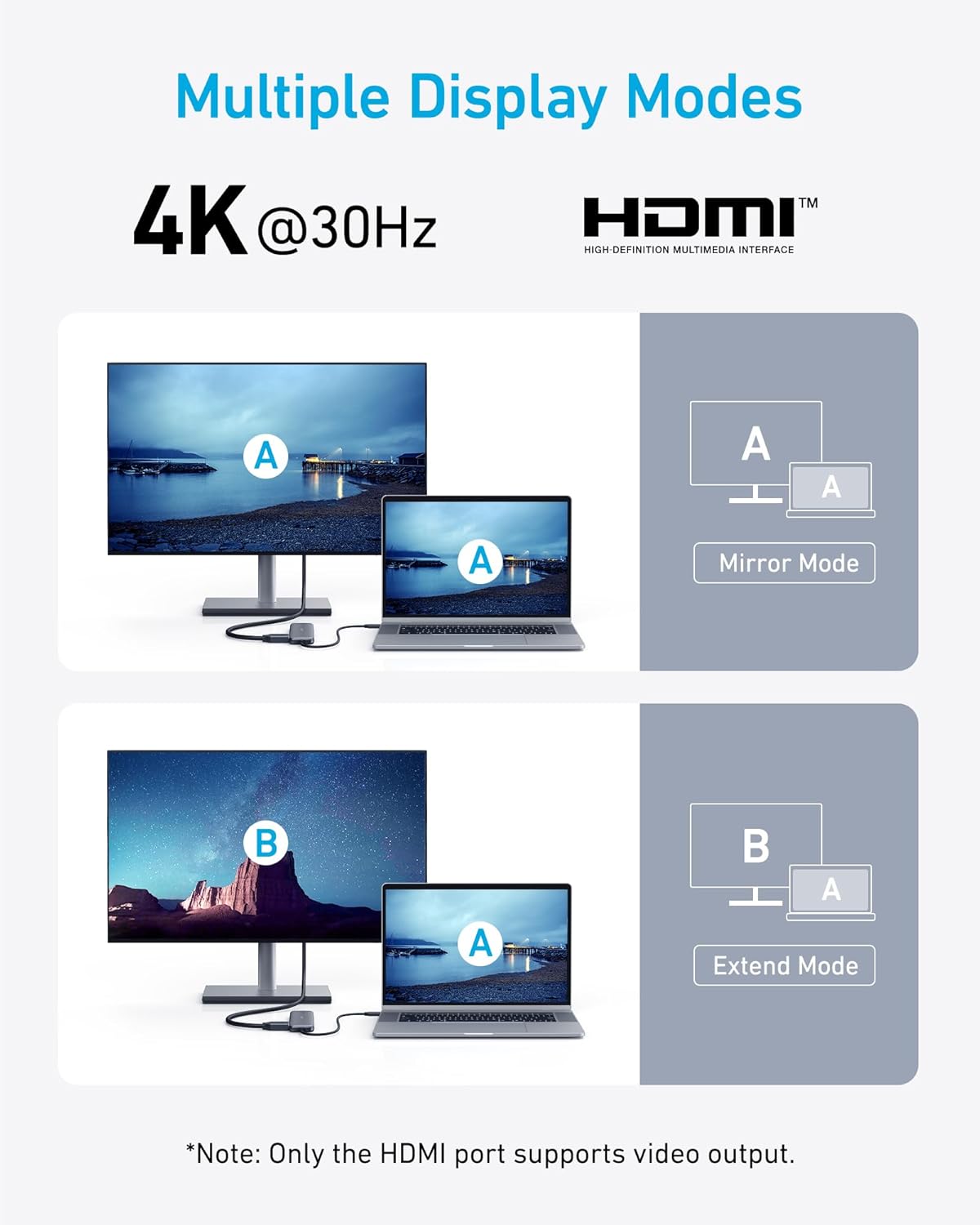
- 4K HDMI Port: This is a crucial feature for anyone needing to connect their laptop to an external monitor or projector. The hub supports resolutions up to 4K at 30Hz, which is suitable for presentations, video playback, and general screen mirroring. While 60Hz would be preferable, 30Hz is generally acceptable for most users.
- USB-C Data Port (5Gbps): This port provides fast data transfer speeds for external drives, SSDs, and other USB-C peripherals. Note that it’s specifically for data and doesn’t support video output.
- Dual USB-A 3.0 Ports (5Gbps): These are your standard USB ports, perfect for connecting older devices, mice, keyboards, and USB drives. The 5Gbps speed is adequate for most tasks.
- USB-C 100W PD-IN Port: This port allows you to charge your laptop while using the hub. It supports up to 85W pass-through charging, leaving 15W for the hub itself. It’s important to note that this port is only for charging and doesn’t support data transfer or audio devices. The brand recommends a 45W charger or more for iPads.
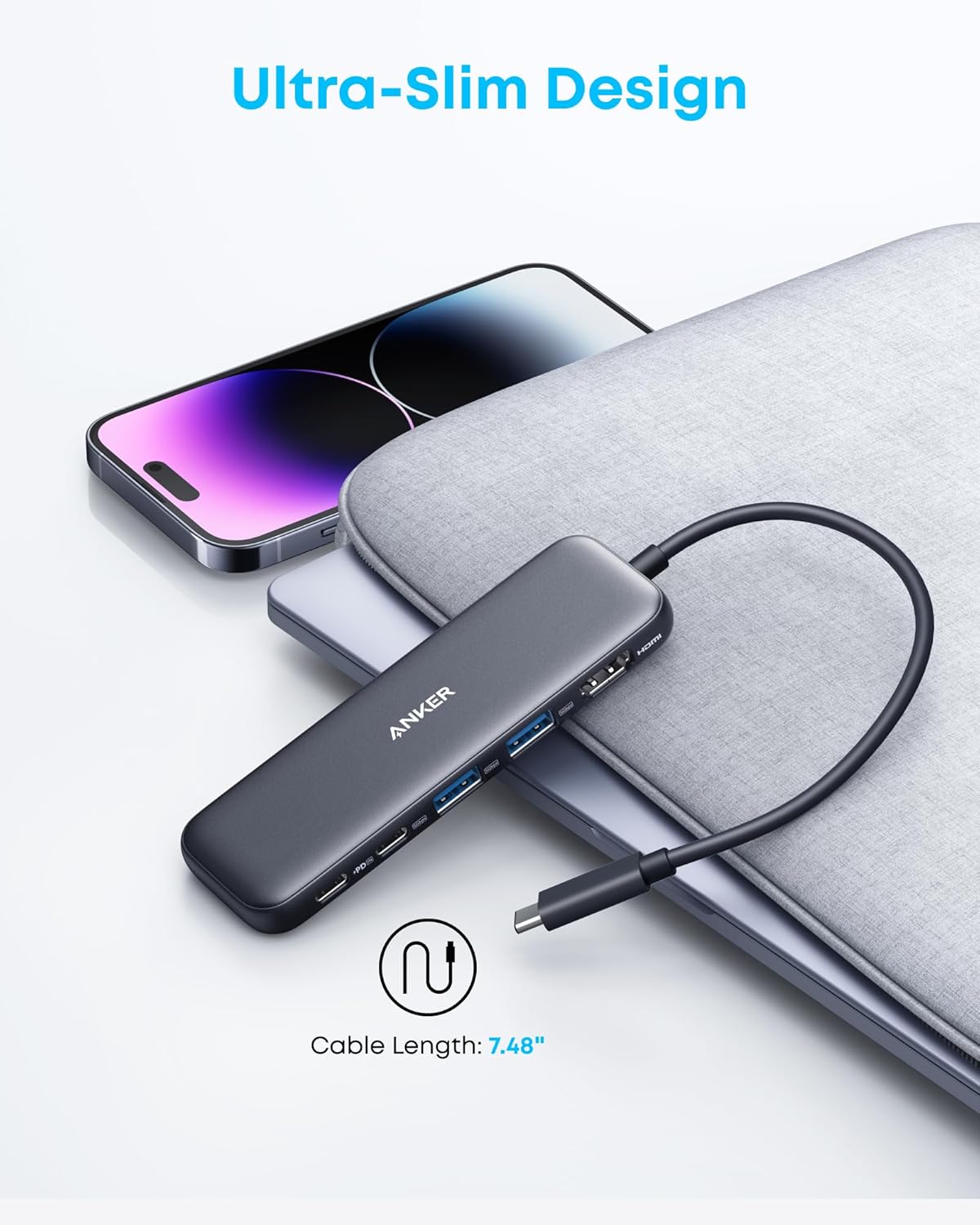
Usability: The Anker USB C Hub is incredibly easy to use. Simply plug it into your laptop’s USB-C port, and it’s ready to go. No drivers or software installation are required, making it truly plug-and-play. The compact design makes it easily portable, fitting comfortably in a laptop bag or even a pocket.
Performance: During testing, the HDMI port delivered a clear and stable 4K image on an external monitor. Data transfer speeds were consistent with the advertised 5Gbps, allowing for quick file transfers from external drives. The pass-through charging worked flawlessly, keeping the laptop powered while simultaneously using the other ports.
Compatibility: Anker claims compatibility with a wide range of devices, including MacBooks, Windows laptops, and Chromebooks, provided they support DP Alt Mode and Power Delivery. Compatibility is also noted for USB-C, USB4, and Thunderbolt connections. However, it’s not compatible with Linux.
Pros & Cons
| Pros | Cons |
|---|---|
| Compact and portable design | HDMI port limited to 4K@30Hz |
| 5-in-1 functionality offers versatile connectivity | USB-C PD-IN port only supports charging |
| Fast data transfer speeds (5Gbps) on USB-C and USB-A ports | Not compatible with Linux |
| Powerful pass-through charging (up to 85W) | Charger not included for pass-through charging |
| Plug-and-play operation, no drivers required | USB-C Data port does not support video output |
Excellent Alternatives
- USB C Hub: This is a good baseline search to find a range of options.
- Anker USB C Hub: Exploring other Anker models can provide different port configurations.
- USB C Hub with Power Delivery: Ensures that you can charge your laptop while using the hub.
Final Verdict
The Anker USB C Hub is a solid choice for expanding the connectivity of your USB-C enabled laptop. Its compact design, versatile port selection, and reliable performance make it a valuable accessory for both home and office use. While the 4K@30Hz limitation and lack of data transfer on the charging port are minor drawbacks, the overall functionality and ease of use make it a worthwhile investment. We recommend this for users seeking a dependable and portable USB-C hub.
Our Rating
★★★★☆ 4/5
 themegs